

Turn your product images into a professional-grade studio shot with the Photoshoot feature in Google’s Pomelli

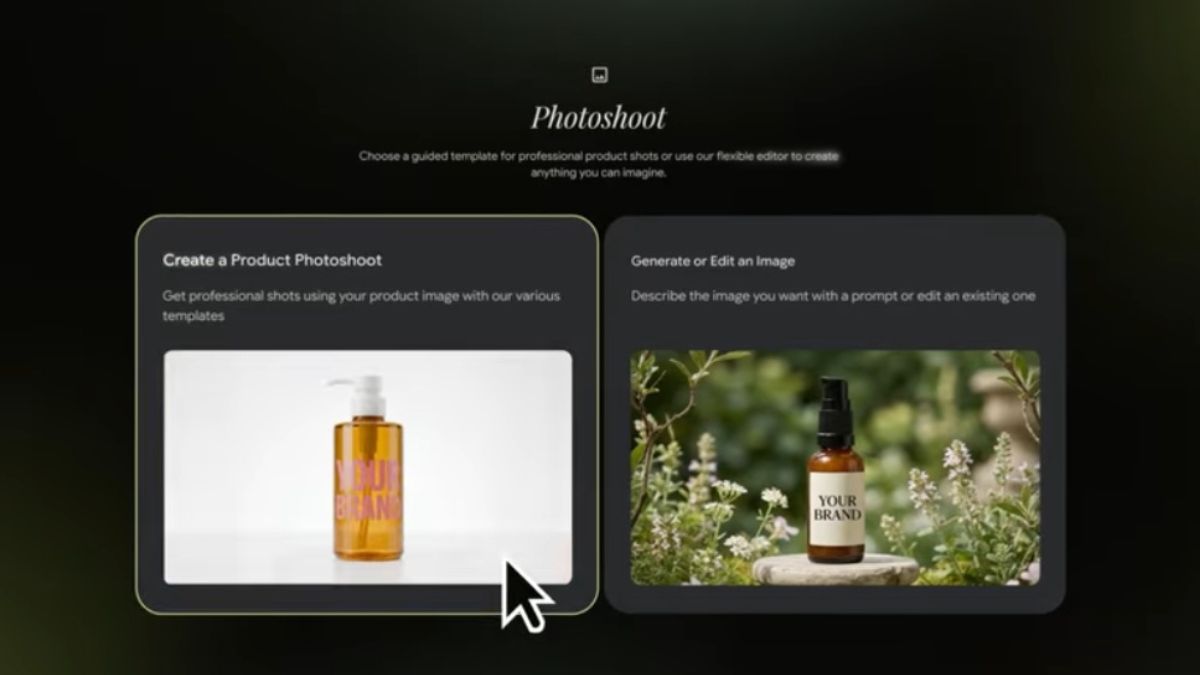
Last year, Google Labs introduced Pomelli, an AI marketing tool designed to help small businesses more easily generate scalable, on-brand social media campaigns so they can grow.
Well, Google has now introduced a new Photoshoot feature in Pomelli that uses business context (Business DNA) and Nano Banana image generation to turn product images into a professional-grade studio shot.
Photoshoot feature in Pomelli
With this new feature, you can generate stunning product images for your website and social content.
How to use the Photoshoot feature?
- Pick a product picture
- Select from professionally curated templates like studio or lifestyle, or you can also take suggestions from Pomelli
- Your business’s aesthetics will be applied automatically to generate professional-looking images that feel on brand
- Edit and adjust
- You can download the created images or add them to your Business DNA to use later (when you’re creating a campaign)
Try out the Photoshoot feature here.
Other than this, Google is also introducing more bonus features in Pomelli that will help businesses be more creative.
Image generation is improved with features like improved image models with more accuracy, following your prompt, editing capabilities (like “change my background to a forest) and style reference image (e.g. restyle< insert image> to look like< insert image> style).
Campaign accuracy is also improved with two options:
- Upload images to the campaign prompt to ground your creatives
- Add product context by entering your product URL to create campaigns based on the images, title and description from your site. You could type a prompt like, “create a promo for my new necklaces <insert URL>.”
