


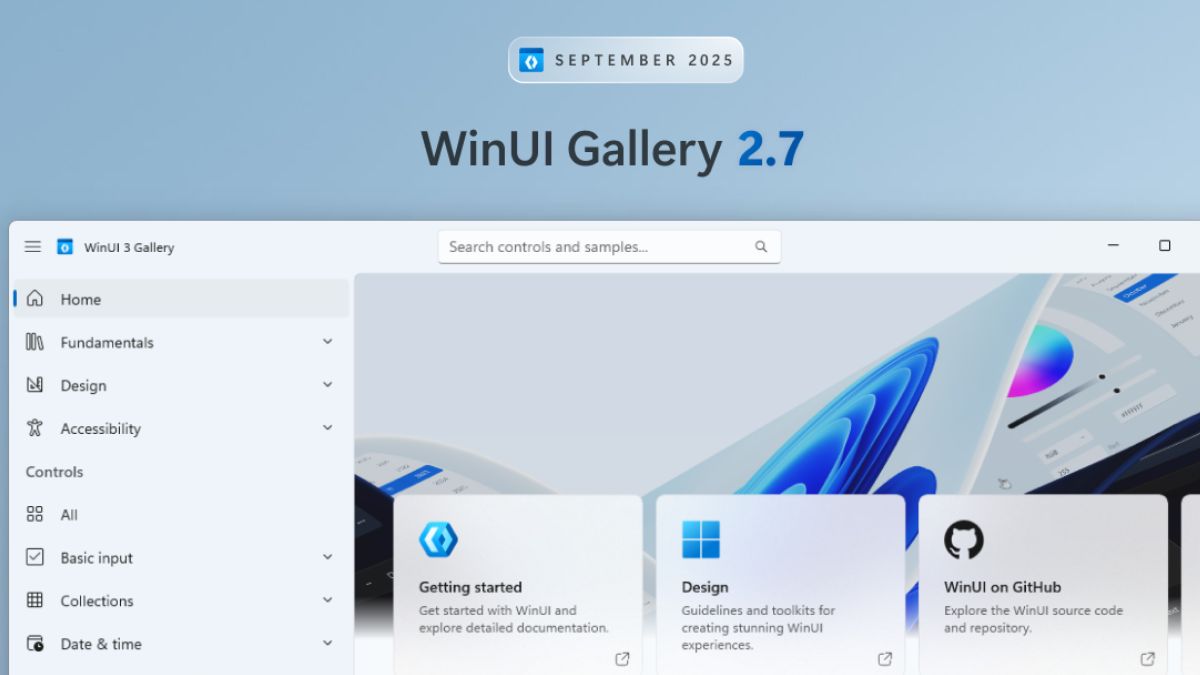
Windows developers might be aware of the WinUI Gallery, which is the go-to app for exploring WinUI controls, samples, design guidance, and handy tools all in one place. Microsoft has recently released a new WinUI Gallery 2.7 update for developers that includes new features, upgraded samples, and more.
WinUI Gallery 2.7 is live!
Highlights include:
• Sample history and favorites
• New ThemeShadow and TitleBar samples
• Accessibility improvements
• Over 100 pull requests closed with community contributionsDownload it today: https://t.co/e2Py25KF7t pic.twitter.com/EalF0kVsSs
— Windows Developer (@windowsdev) October 2, 2025
WinUI Gallery 2.7 update
Sample history & favorites
The home screen now has history and favorites tabs:
- Mark samples as favorites and find them under the favorites tab
- Recently opened samples show up in History, so you can quickly jump back in.
New & updated samples
TitleBar
Updated to use the new TitleBar control, so you can create polished window chrome with just a few lines of code.
ThemeShadow
A brand-new sample showing off composition-based shadows for that extra bit of depth and flair.
StoragePicker (Windows App SDK 1.8)
Gallery is moved to Windows App SDK 1.8, which introduces the new StoragePicker APIs. These bring improvements like full-admin mode support. The related samples have been refreshed to match the new APIs.
Fresh built-in styles
New typography and button styles added:
- BodyLargeTextBlockStyle & BodyLargeStrongTextBlockStyle for TextBlocks
- SubtleButtonStyle for Buttons
Other noticeable changes
Over 100 Pull Requests were closed with community contributions. Some highlights include-
- Symbol enums now show on the Iconography page
- Smoother scrolling and UX on the Colors and Iconography pages
- Upgraded to Windows App SDK 1.8
- Using the new WinUI TitleBar in the Gallery for an improved UX and easier maintenance
- Fixed a bunch of accessibility issues (from text scaling to screen reader improvements)
- Refined styling and spacing across multiple pages for a cleaner look
- Fixed drag & drop issues between ListViews
- Lots of typo and doc fixes, code cleanup, accessibility bugfixes and general polish from many contributors.
