


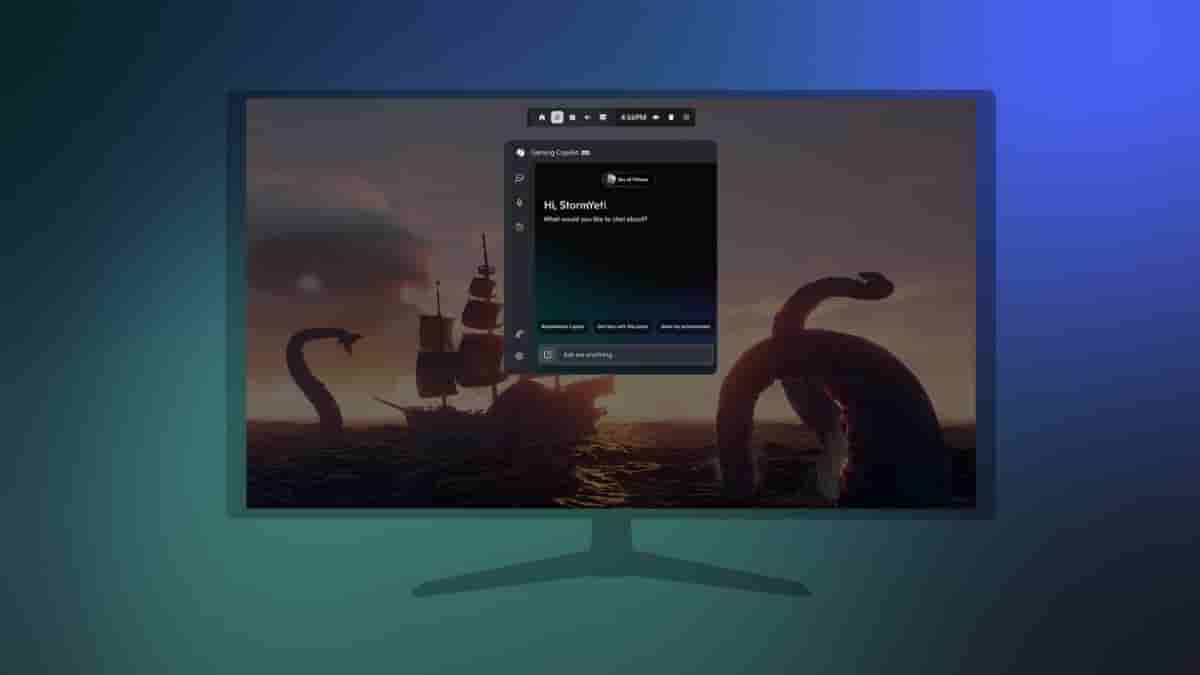
Good news for the Xbox Insiders! Gaming Copilot (Beta) is now available on Game Bar for Windows PC for Xbox Insiders enrolled in the PC Gaming Preview. With the rollout of Gaming Copilot to Game Bar, players will benefit from an even more integrated experience with Copilot directly embedded into the PC gaming environment and accompanied by new and exciting features.
Gaming Copilot (Beta): Available on Game Bar for Xbox Insiders
With Gaming Copilot on Game Bar, you can try out the following features-
- Use voice mode while actively playing: Pin the Gaming Copilot widget and use Copilot in Voice Mode while you’re actively playing any game on PC. This lets you talk to Copilot to get help if you’re stuck or need tips, without breaking away from gameplay.
- Improved understanding and responses from Copilot: When you ask a question in Voice Mode, it can now use screenshots of your gameplay to provide you with more helpful responses. You can manage your screenshot settings anytime under Capture Settings directly in the Gaming Copilot Widget.
How to access Gaming Copilot on Game Bar?
To use Game Bar, make sure you have the Xbox PC app downloaded and installed on your Windows device, and press the Windows logo key + G to open Game Bar over your game, app, or desktop. Once you open Game Bar, look for the Gaming Copilot icon in the Home Bar to open the widget and log into your Xbox account and access the full experience.
Availability details
The early preview of Gaming Copilot on Game Bar is available in English for Xbox Insiders aged 18 and older in the US, Australia, New Zealand, Japan, Singapore, and other regions. You can check out the full list of regions here.
