

ChatGPT now available in Apple CarPlay; Rolling out to iPhone users running iOS 26.4 or later

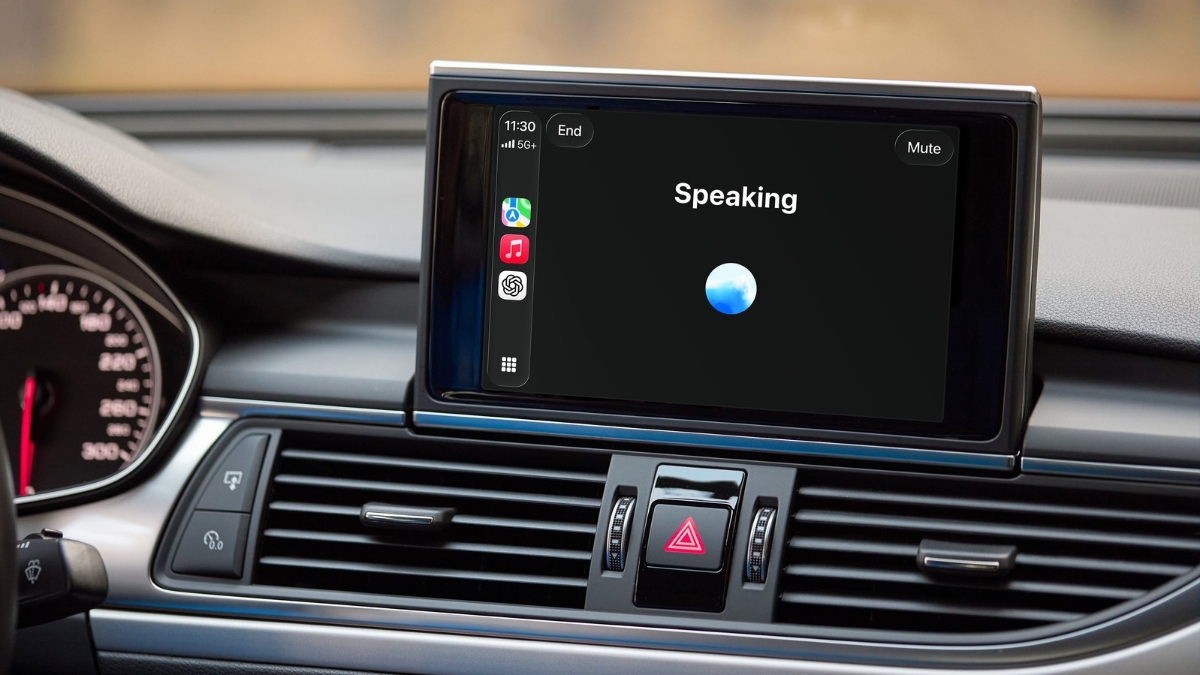
Good news for the Apple users! ChatGPT is now available in Apple CarPlay on supported iPhone models running iOS 26.4 or later, where CarPlay is supported. ChatGPT in CarPlay is available globally on all ChatGPT plans.
ChatGPT is now available in CarPlay.
The voice mode you know, now available on-the-go.
Rolling out to iPhone users running iOS 26.4+ where CarPlay is supported. https://t.co/aXQqH9MNuG pic.twitter.com/yk3qdLa99r
— OpenAI (@OpenAI) April 2, 2026
ChatGPT: Available in CarPlay
Before you use ChatGPT in CarPlay, ensure that you have the latest version of the ChatGPT app. Once your iPhone and the ChatGPT app are up to date, you can open ChatGPT from your CarPlay screen and start a voice conversation while you drive.
ChatGPT in CarPlay is designed to be voice-first. You can start a new conversation, or continue a recent chat or project from your car screen. ChatGPT in CarPlay supports voice conversations similar to the ChatGPT iOS app, with these limitations:
- It cannot access maps, vehicle information, or live location.
- It cannot control your car or affect other apps (for example, Maps or messaging apps like Mail or Slack).
Here are the steps with which you can access ChatGPT in CarPlay
Start a voice chat
- Connect your iPhone to your car to start CarPlay
- In CarPlay, select ChatGPT
- Select New Voice Chat
- Wait for the connection to establish, and the text to go from Connecting to Listening
- Speak your prompt to begin the conversation
Start a voice chat in a project
- In CarPlay, select ChatGPT
- Select the Projects tab
- Select the project you want to start a new chat within
- Select New voice chat
Resume a chat
- In CarPlay, select ChatGPT
- Select a pinned or recent chat you want to continue
- Speak your prompt to continue the conversation
